Piano
Read notes, find the matching keys, and explore ear training and chords.

Read Notes
Six instruments. One place to practice.
Connect the notes on the page with your instrument. Choose a few notes, try the matching screen input, and learn from each answer.
Available for iOS and Android. Start with free practice and add optional one-time Premium when you want more songs.
Six instruments. One place to practice.
Clefs, written ranges and answer screens adapt to the selected instrument.
Read notes, find the matching keys, and explore ear training and chords.
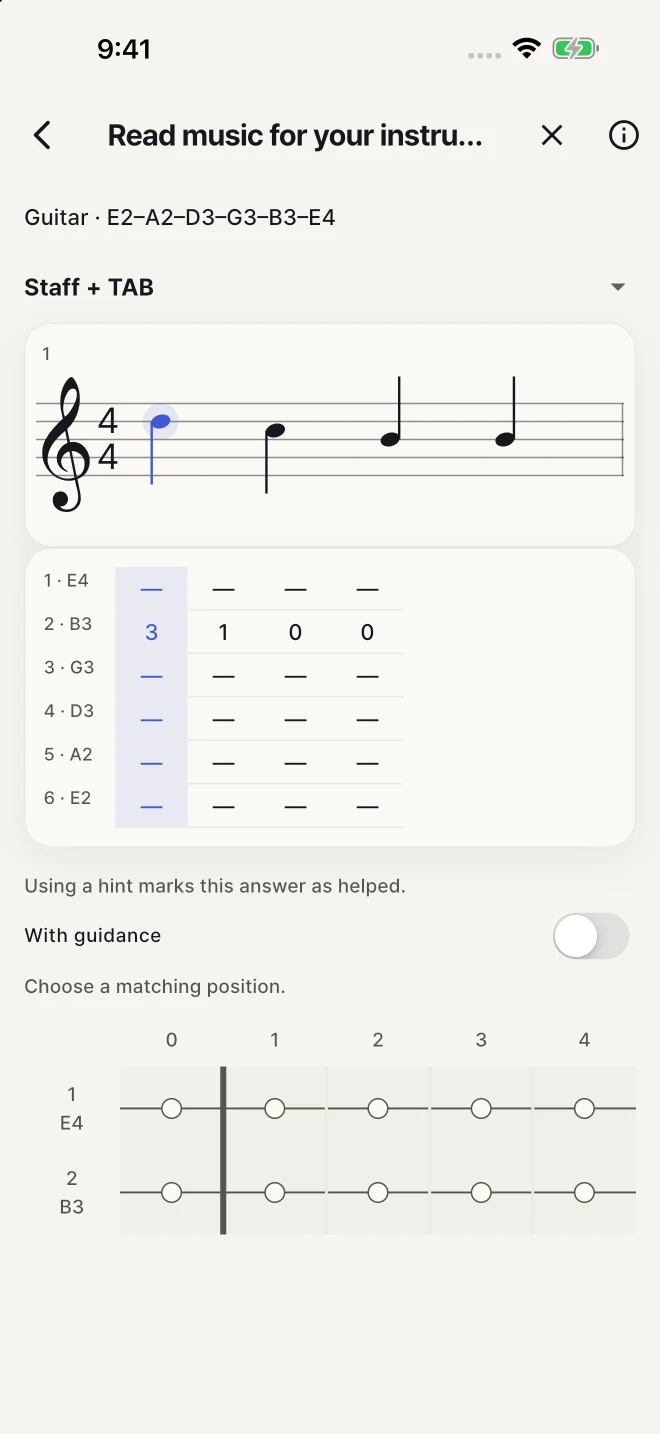
Connect staff notation with TAB and the fretboard. Try C–Am chord shapes and swipe strums.
Read bass clef and find each note on the strings and frets.
Match written notes to the fretboard, then try chord shapes and strumming gestures.
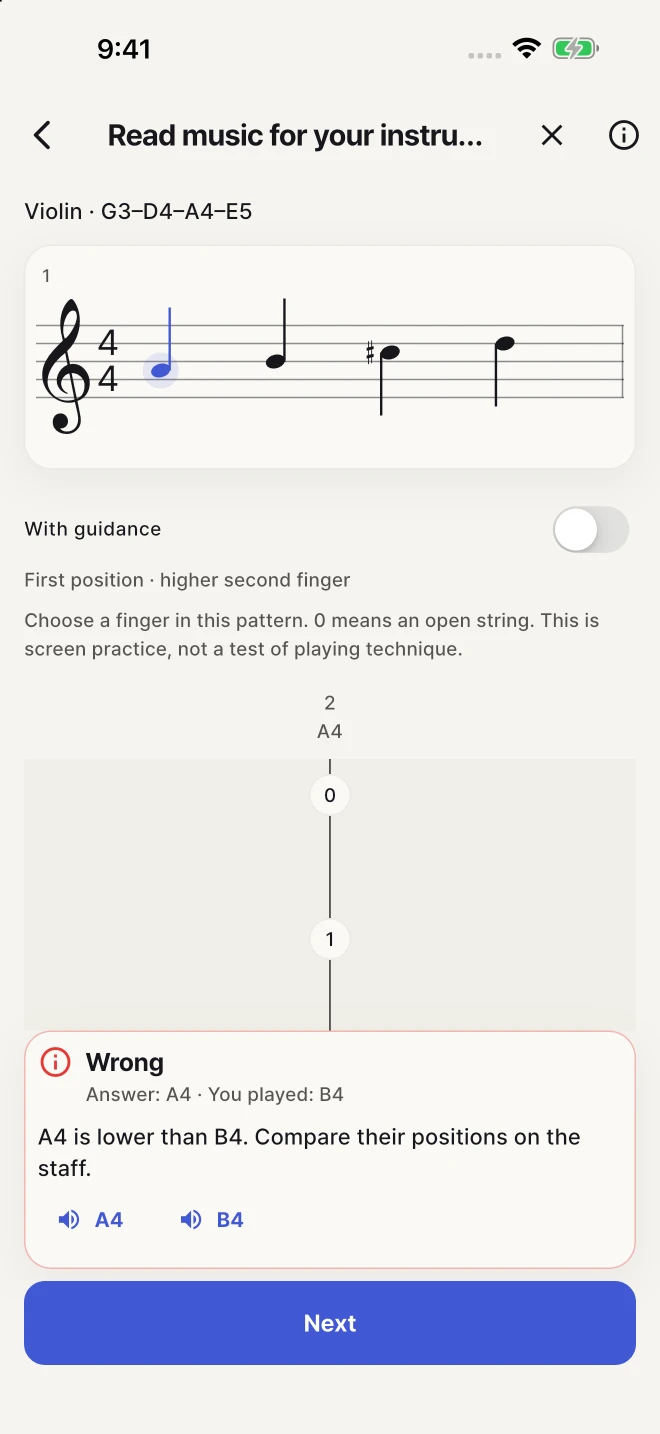
Find open strings and finger positions from written notes. Listen to violin examples.
Tap kick, snare and hi-hat in time with the pattern. Review the parts you missed.
Practice on screen, or use a compatible MIDI keyboard for pitch input. Screen exercises do not assess physical playing technique.
Keep your existing quests, drills, pieces and progress. You can continue piano practice without choosing your instrument again.
Choose a few notes, practice without a timer, and learn from each answer.
Share a practice assignment — This free assignment includes the notes and hint settings. After installing, paste the code into Import assignment.
Practice reading notes on the staff with customizable clef and difficulty settings.
Listen to notes and chords, then find them on the keyboard.
See the chord name and find the notes on the keyboard
Learn step by step through structured chapters
Review notes you missed
Create or join a group to compare your practice scores with friends and family!
Start with 67 free songs from a library of 150. Optional one-time Premium unlocks the other 83 songs, removes ads and removes heart limits. No subscription.
Choose a few notes, practice without a timer, and learn from each answer.
This free assignment includes the notes and hint settings. After installing, paste the code into Import assignment.
Start with 67 free songs from a library of 150. Optional one-time Premium unlocks the other 83 songs, removes ads and removes heart limits. No subscription.
Available for iOS and Android. Start with free practice and add optional one-time Premium when you want more songs. Clefs, written ranges and answer screens adapt to the selected instrument.
Keep your existing quests, drills, pieces and progress. You can continue piano practice without choosing your instrument again.
Start with 67 free songs from a library of 150. Optional one-time Premium unlocks the other 83 songs, removes ads and removes heart limits. No subscription.
Practice on screen, or use a compatible MIDI keyboard for pitch input. Screen exercises do not assess physical playing technique.
This free assignment includes the notes and hint settings. After installing, paste the code into Import assignment.
Learn step by step through structured chapters
Questions or feedback? Send us an email. Include your device and app version if something is not working.